
Shopping Cart
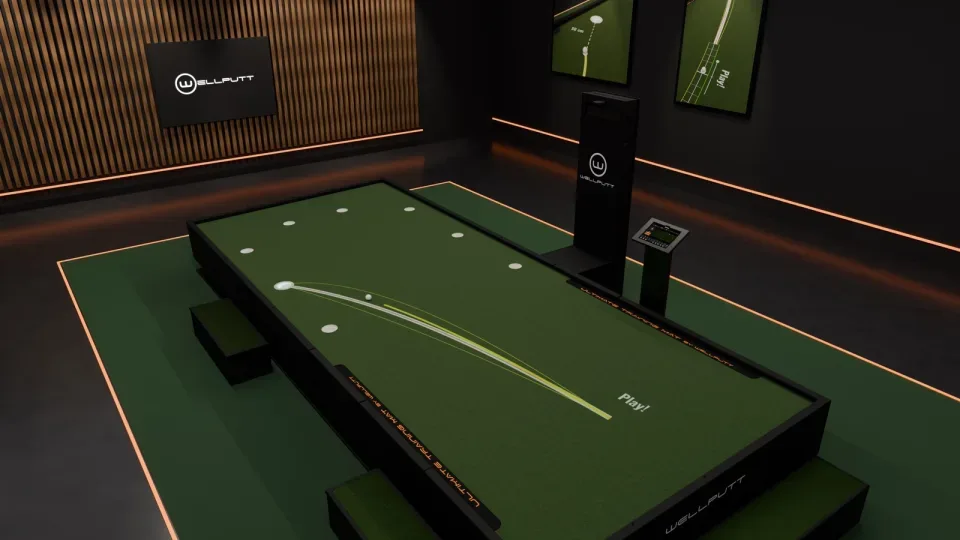
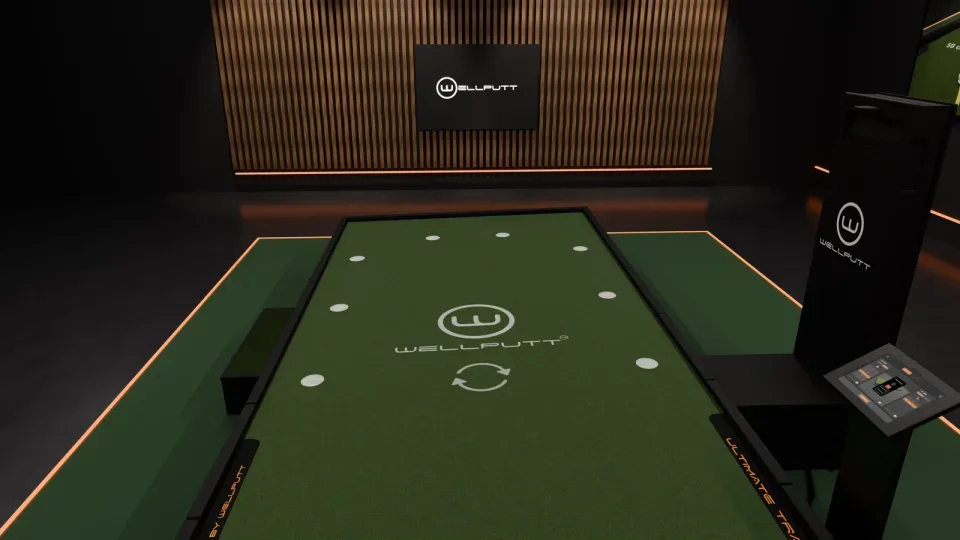
Feel matters on the green, but feel alone rarely tells you why a putt missed. Was it the read, or the speed? The BigTilt Wave combines a platform that shapes real slopes, a projector that draws lines and targets on the green, and an iPad app that runs it all. With Ball Tracking, every putt is now followed by a camera, measured and shown in the app the moment the ball stops.
What is Ball Tracking on the BigTilt Wave?
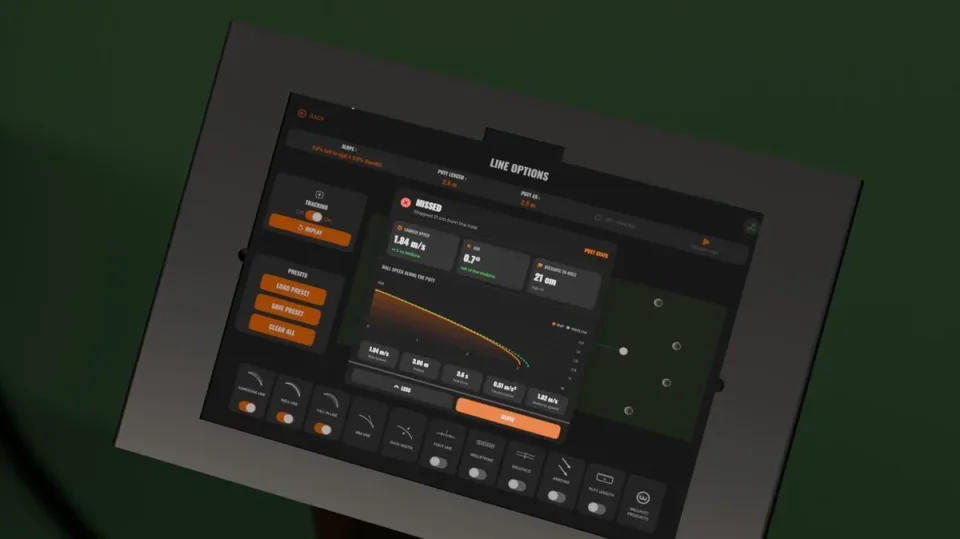
A camera above the platform detects the ball at the start point and follows it across the green. As soon as the ball comes to rest, the app shows a verdict (made or missed) and three numbers:
- Launch speed, compared with the speed of the Wellline, the ideal line for that putt
- Aim, in degrees left or right of the Wellline
- Distance to the hole when you miss, or your speed at the cup when you hole it
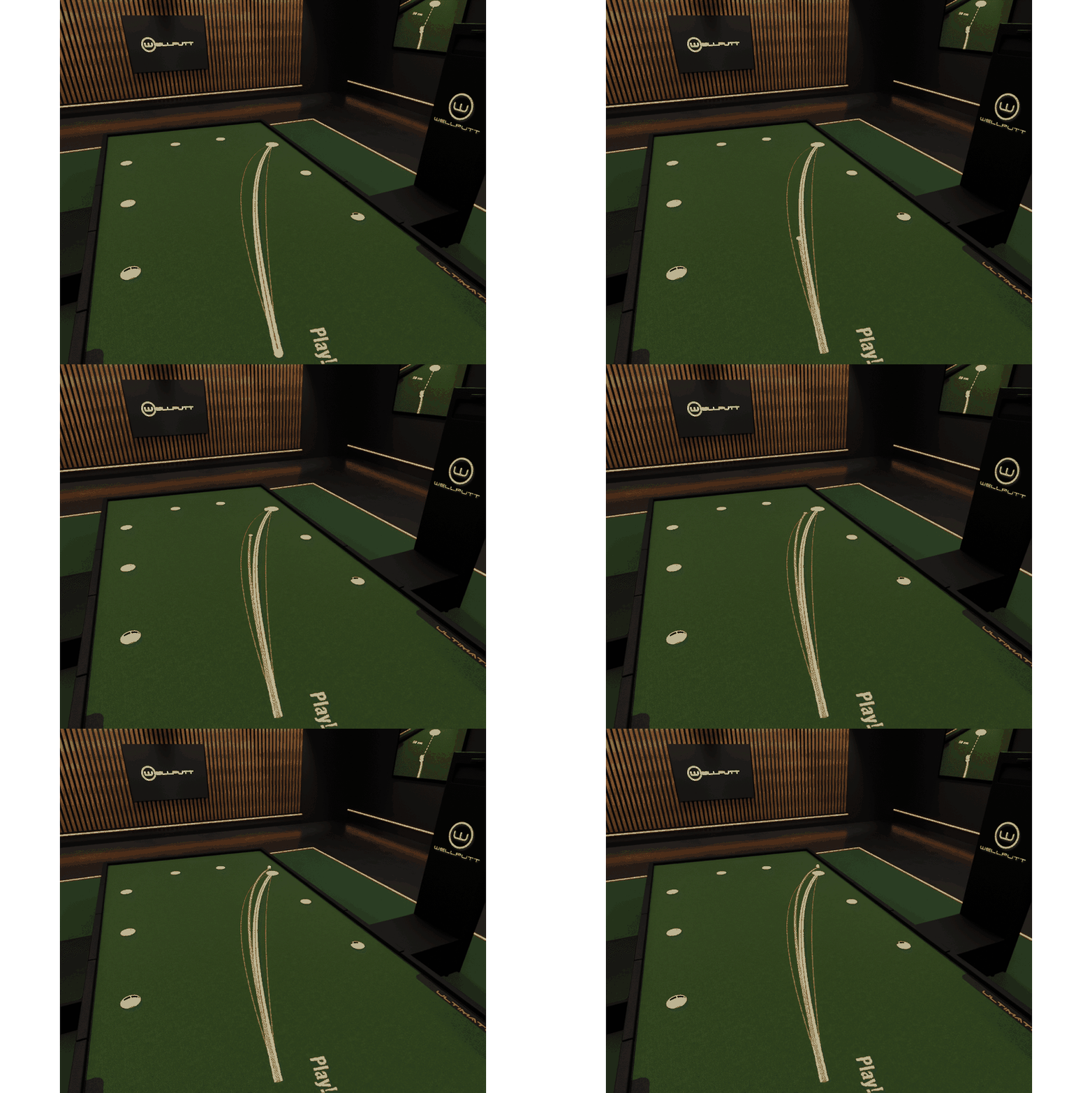
Tap More stats for the ball's speed along the whole putt, the distance it rolled, the roll time and the deceleration. These are the two skills that decide a putt, distance control and direction control, measured on every stroke instead of judged by whether the ball dropped. Tap Replay and the projector rolls the ball along its real path again, right on the green.
Free Training: a redesigned, personal interface
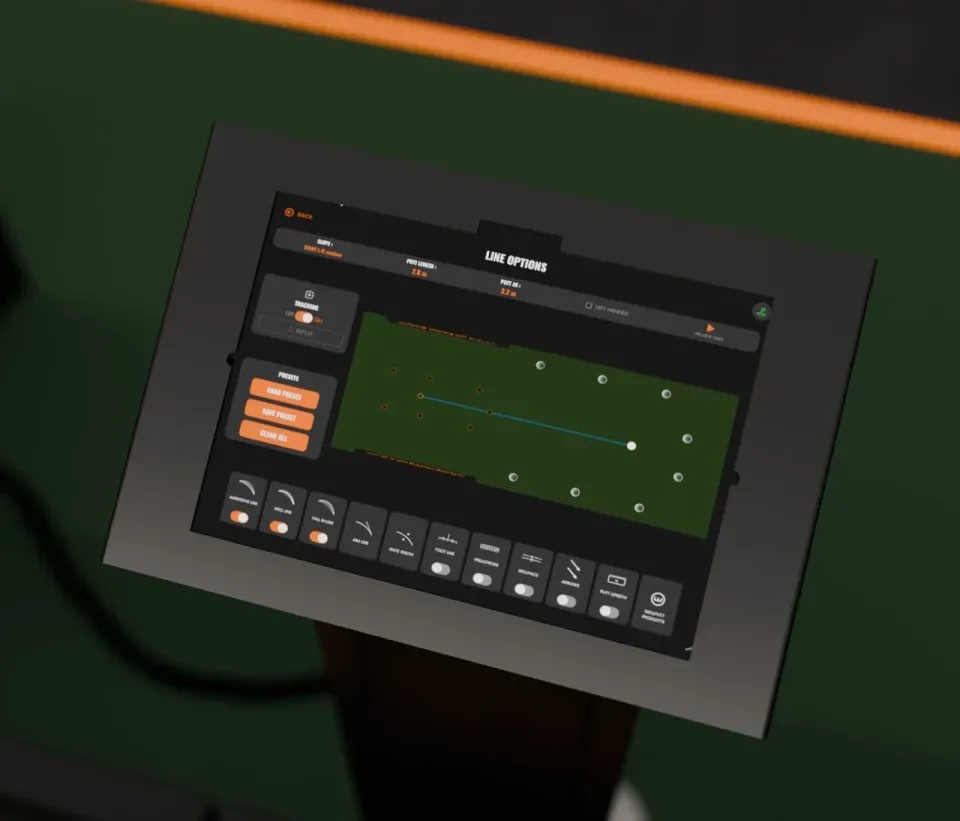
The app has been redesigned to make training easier to set up. In Free Training, pick a free slope or a slope preset and a live 3D model shows the exact shape of the green before anything moves. Turn it with your finger, switch on the arrows to see which way the ball will fall, then tap Confirm slope and the platform takes the shape. Line Options then brings three tools together.
1. Preview lines and post-putt stats
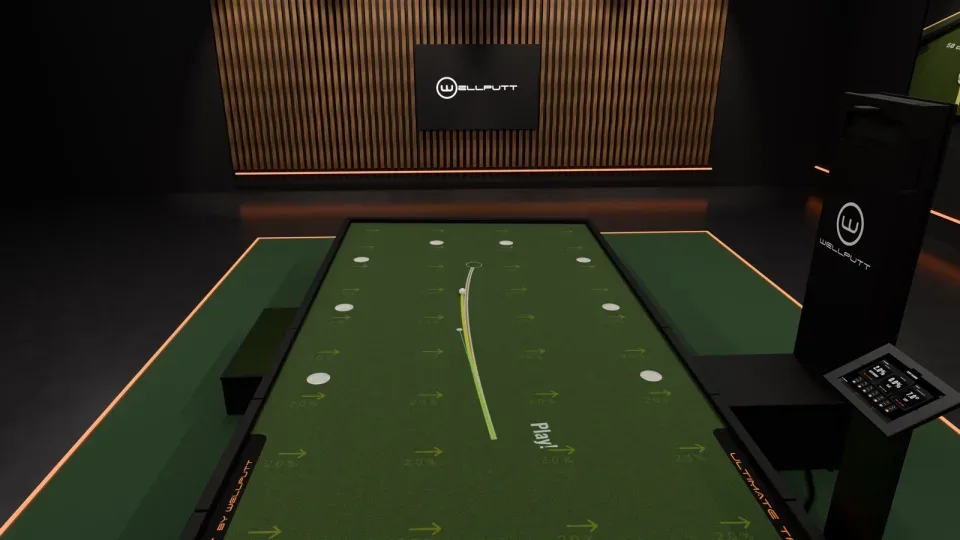
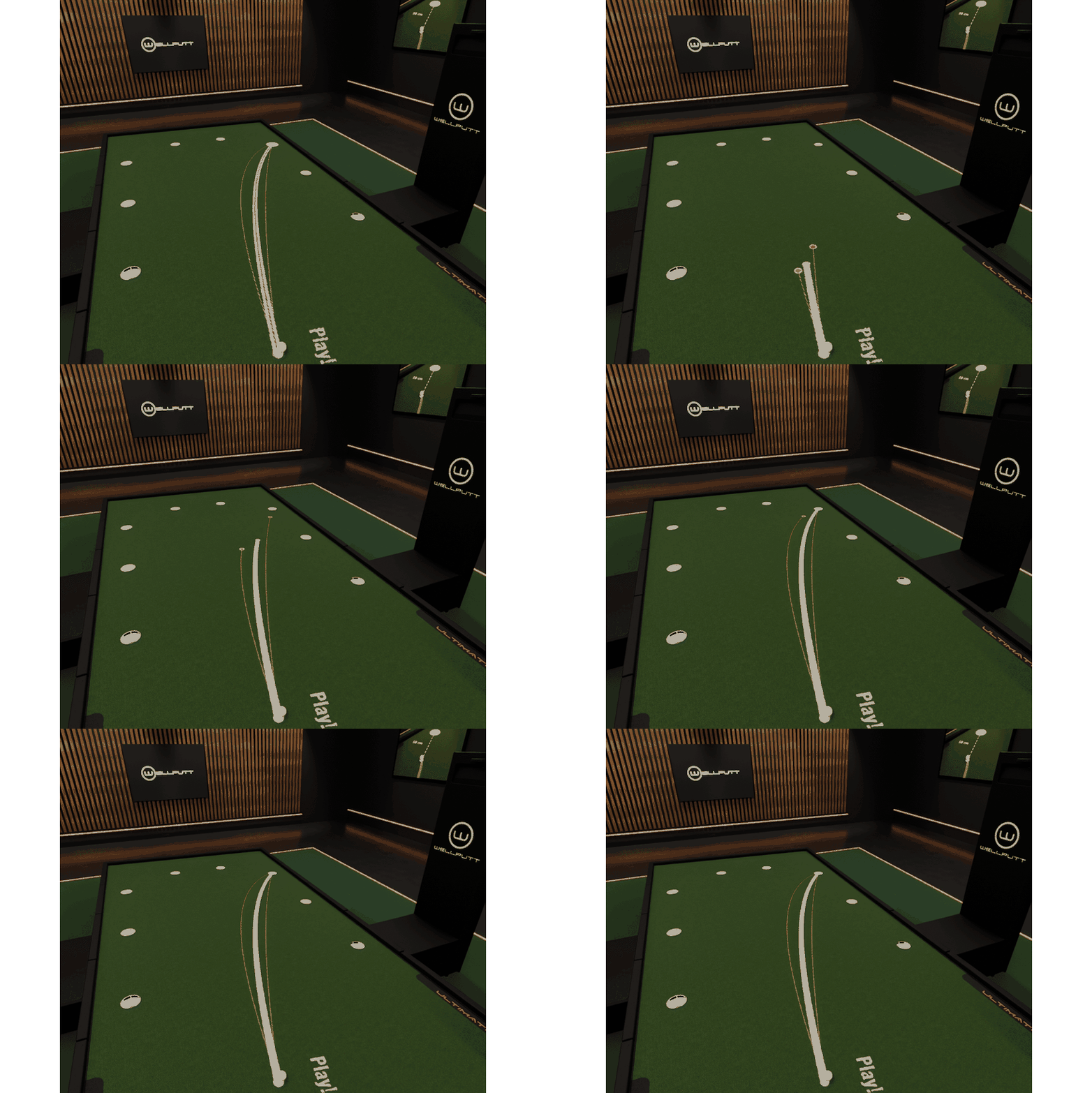
Tap Preview lines and the Aggressive, Well and Fall-in lines are drawn on the green one after the other, each with a ball rolling to the cup, so you see how speed changes the break before you hit a putt. Then putt: Ball Tracking gives you your stats after every stroke.
2. Wellputt training aids, placed by the projector
Under Wellputt Products, the projector draws the guides that tell you exactly where your Wellputt aids go:
- Wellvision guide for the Wellvision
- Shoulder line guide for the Wellvision Plus
- Wellguide, with a width you set from 80 to 200 mm
- Indoor Tees, lined up on the projected gates
Set the aid down on its marks and you have a perfect setup and immediate feedback on every rep. Wellstroke and Wellpace have their own switches in Line Options. Platform, app and training aids work together as one Wellputt system. Discover all our training aids.
3. Your own presets
A preset saves your whole Line Options setup: the three lines, aim line, gates, foot line, Wellstroke, Wellpace, putt length, arrows and the Wellvision and Wellguide guides. You have five personal slots, plus default presets. Build one per skill you are working on, for example:
- Stance: foot line and shoulder line guide, for the same setup putt after putt
- Stroke path: Wellstroke and Wellguide, to keep the putter on track through impact
- Tempo: Wellpace, for a smooth and repeatable stroke
- Aiming: aim line and gates, to start the ball on your line
Presets are saved to your Wellputt account and follow you on every BigTilt. At the start of a session, load one and your full setup appears on the platform in one tap.
Training Program: structure your practice, measure your level
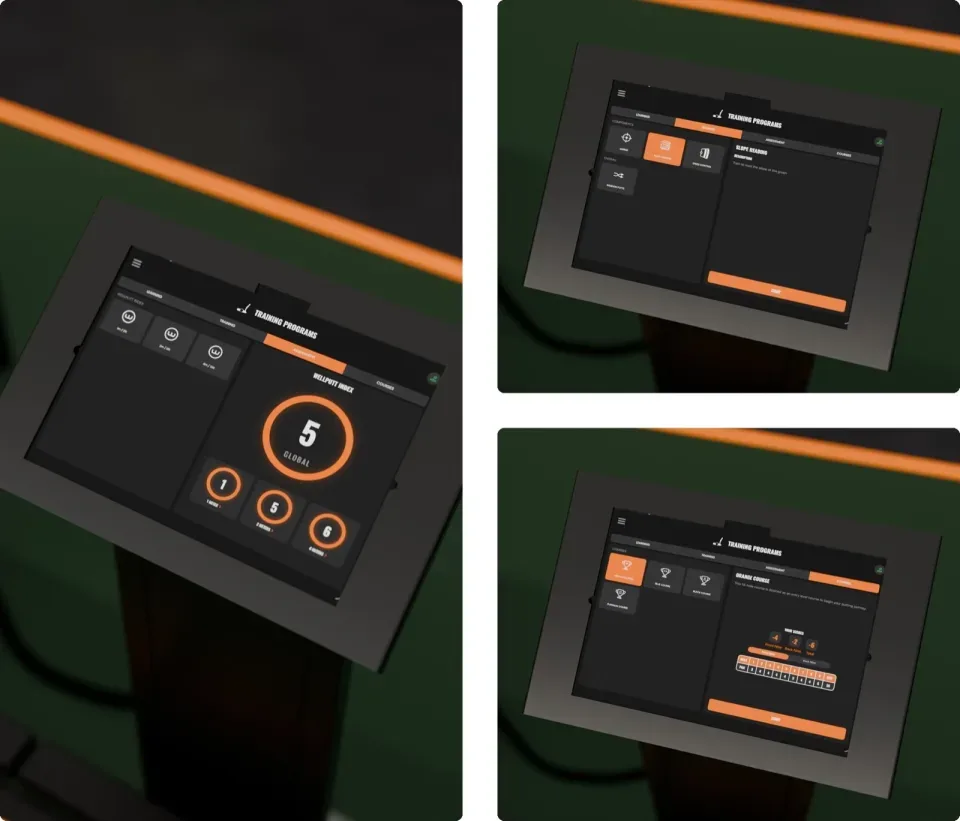
Data is worth most when it serves a clear progression. Training Programs are organised in four tabs, and wherever Ball Tracking runs, putts are counted for you, with no manual input.
Learning
Understand putting before you work on it. Essentials cover green speed impact, aim point error and speed error; Analysis looks at your aiming, slope reading and stance.
Training
Work on each component, aiming, slope reading and speed control, then put it all together with Random Putts on random slopes and lengths. Every session ends with a report: success by distance, start-line bias, speed control and more.
Assessment and the Wellputt Index
The Wellputt Index is a 30-putt assessment at several distances. Each distance gets its own score, and together they make one global index, like a handicap: the lower, the better. It sits on your profile, ring by ring. Retake the assessment and watch the number move, the measurable result of your practice. It is the same principle as our 4×45MIN Method study: structured training with immediate feedback leads to measurable improvement.
Courses
Four 18-hole courses, Orange, Blue, Black and Platinum, with a par on every green and a real scorecard. Finish at par or better to unlock the next one.

Every putt is tracked and scored automatically, and my Wellputt Index shows me exactly how much I'm improving.
Matthis Lefèvre, 2023 Jack Nicklaus Award Winner, Former Arkansas Razorbacks Golfer
Gaming: up to 6 players
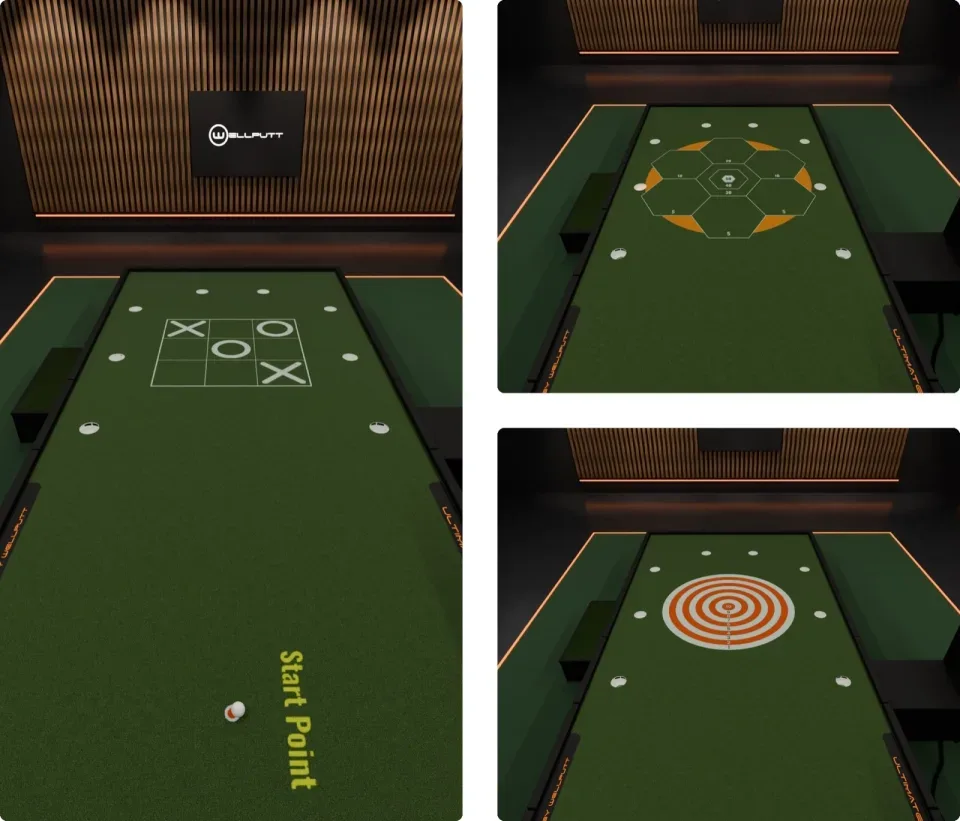
Training should also be fun. Gaming offers three games, each on a flat, downhill or uphill green:
- Simple Target
- Honeycomb
- Tic Tac Toe, played in two teams
Pick a game and it appears on the platform straight away. With Ball Tracking on, the score keeps itself, so everyone stays on the game, up to six players. Ideal for golf clubs, indoor centres, academies or a match at home.
Discover the BigTilt Wave
With Ball Tracking, the BigTilt Wave is more than a sloped putting platform: every putt produces data, every session can be set up your way and every improvement can be measured. Coach, golf facility or committed player, you train with clear feedback on speed and direction after every stroke. Interested for your facility or your home? Write to our team at bigtilt@wellputt.com. To learn more, see the BigTilt putting platform page.
Talk to our team
bigtilt@wellputt.comFrequently asked questions
01What does Ball Tracking measure?
Launch speed compared with the Wellline, aim in degrees, and the distance to the hole (or your speed at the cup when you hole it). More stats adds the ball speed along the putt, distance rolled, roll time and deceleration.
02Do I need to touch the tablet between putts?
No. With Ball Tracking on, the ball is detected again at the start point after each putt and the result is recorded for you. This works in Free Training, Training, the Wellputt Index, Courses and the games.
03Which Wellputt training aids does the projector place?
The Wellvision, the Wellvision Plus (shoulder line) and the Wellguide have their own projected guides. Indoor Tees are lined up on the projected gates.
04How many presets can I save?
Five personal presets, saved to your Wellputt account so they follow you on every BigTilt, plus default presets.
05How many players can play in Gaming?
Up to six. With Ball Tracking on, scoring is automatic.